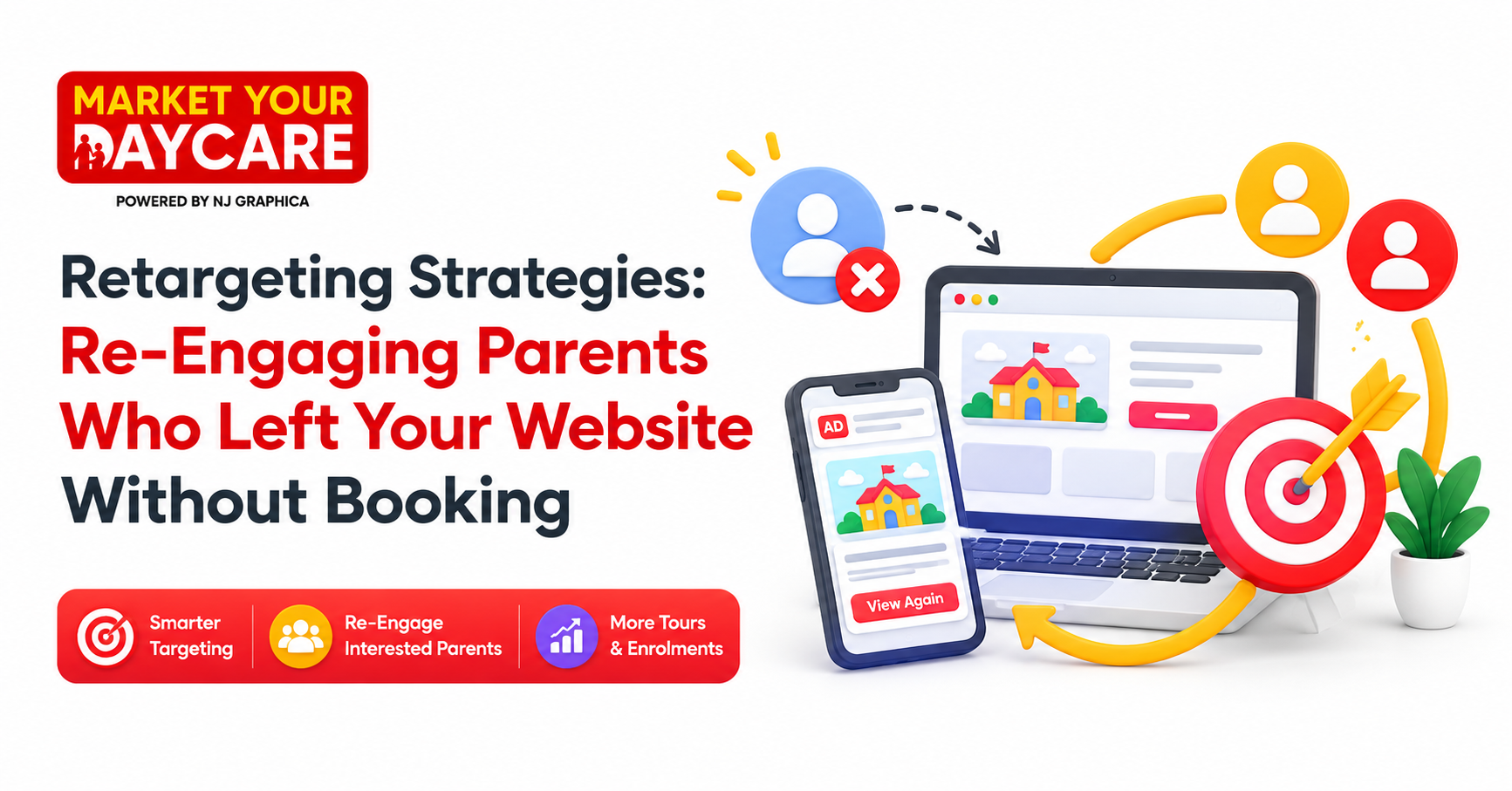
So, you've got parents landing on your childcare centre's website. They're clicking around, checking out your rooms, maybe even reading about your philosophy. But then… they vanish. No enquiry. No tour booking. Just silence. It's frustrating, right? You're not alone. Most centres lose the majority of website visitors without ever capturing their details. The good news? You can bring them back. With the right retargeting approach, you stay top-of-mind until they're ready to enrol. And that's where working with a specialised Childcare Marketing Agency makes all the difference.
Table of Contents
-
Why Most Parents Don't Enrol on Their First Visit
-
What Retargeting Actually Means (No Jargon, Promise)
-
Step 1: Set Up Your Tracking Pixels Properly
-
Step 2: Build Smart Audience Segments
-
Step 3: Craft Ads That Feel Personal, Not Pushy
-
Step 4: Choose the Right Platforms for Your Centre
-
Step 5: Create Landing Pages That Convert
-
Step 6: Measure, Tweak, Repeat
-
Why MarketYourDaycare?
-
Final Thoughts
-
5 FAQs
Why Most Parents Don't Enrol on Their First Visit
Let's be honest. Choosing childcare isn't like buying a pair of shoes. It's one of the biggest decisions a parent will make for their little one. They're not going to rush it.
Most parents will visit your site two, three, maybe even five times before they feel comfortable enough to reach out. They're comparing options. Reading reviews. Talking to partners. Checking your Google Business Profile. Maybe even driving past your centre to see what the neighbourhood feels like.
So when they leave without enquiring, it's not because they didn't like what they saw. It's because they're not ready yet. And that's okay. Your job isn't to force a decision. It's to stay visible, helpful, and trustworthy until they are.
What Retargeting Actually Means (No Jargon, Promise)
Retargeting sounds fancy, but it's really simple. It's just a way of showing ads to people who've already visited your website. Think of it like a friendly nudge instead of a cold call.
Here's how it works in plain English. You add a tiny piece of code (called a pixel) to your website. When someone visits, that pixel quietly notes their visit. Then, when they're scrolling through Facebook or searching on Google later, they see an ad from your centre.
It's not creepy if done right. It's helpful. You're reminding them you exist, showing them what makes your centre special, and giving them an easy way to take the next step. No pressure. Just presence.
Step 1: Set Up Your Tracking Pixels Properly
This is the foundation. Without it, nothing else works. You'll need two main pixels: Facebook Pixel and Google Tag Manager (which connects to Google Ads).
Facebook Pixel lets you track visitors on Facebook and Instagram. Google Tag Manager does the same for Google Search, YouTube, and partner sites. Both are free to set up, but they do need to be installed correctly.
Most centres make the mistake of slapping the pixel on and hoping for the best. Don't do that. You want to track specific actions: page views, time on site, clicks on your "Book a Tour" button, form submissions, and more. This data is what lets you build smart audience segments later.
If you're not tech-savvy, this is where partnering with a Childcare Marketing Agency pays off. They'll set everything up properly so you're not wasting ad spend on broken tracking.
Step 2: Build Smart Audience Segments
Not all website visitors are the same. Some just landed on your homepage and bounced. Others spent ten minutes reading about your toddler room and clicked your enrolment form. You want to treat them differently.
Here's how to segment:
-
Homepage visitors: Show them a general brand ad introducing your centre.
-
Room-specific page visitors: If they looked at your kindy room, show them an ad highlighting your kindy program.
-
Tour page visitors: These are warm leads. Hit them with a strong call-to-action like "Book Your Free Tour Today".
-
Form abandoners: They started filling out your enquiry form but didn't finish. Remind them it only takes a minute.
The key is relevance. The more your ad matches what they were already interested in, the more likely they are to click.
Step 3: Craft Ads That Feel Personal, Not Pushy
This is where most centres go wrong. Their retargeting ads feel like billboards. Big logos. Generic slogans. Zero personality.
Parents don't want to be sold to. They want to feel understood. So your ads should speak directly to the concerns and hopes they had when they visited your site.
Try something like:
-
"Still thinking about childcare in [Your Suburb]? We'd love to show you around."
-
"See why 50+ local families chose [Your Centre Name] for their little ones."
-
"Limited spots open for [Age Group]. Book your tour before they're gone."
Keep it warm. Keep it human. And always include a clear next step: book a tour, download your centre guide, or call for availability.
Step 4: Choose the Right Platforms for Your Centre
You don't need to be everywhere. You just need to be where your parents are.
For most Australian childcare centres, that's Facebook and Instagram. Parents in the 25–45 age range spend hours scrolling these platforms daily. It's where they're sharing parenting memes, joining local mum groups, and yes, looking for childcare options.
Google Ads is also powerful, especially for retargeting parents who searched for "childcare near me" or similar terms. YouTube can work well too if you have video content of your centre in action.
The trick is to start small. Pick one or two platforms, test your ads, and scale what works. Don't spread your budget thin trying to be everywhere at once.
Step 5: Create Landing Pages That Convert
Here's a hard truth: even the best retargeting ad won't work if you send parents to a boring, confusing landing page.
Your landing page needs to do three things:
-
Match the ad: If your ad talks about your toddler room, the landing page should too. Don't send them to your generic homepage.
-
Build trust fast: Show photos of happy kids. Include testimonials. Highlight your ratings and accreditations.
-
Make the next step obvious: One clear call-to-action. "Book a Tour" or "Enquire Now". No distractions.
Bonus tip: Add a short video of your director welcoming parents. It adds a human touch that text alone can't match.
Step 6: Measure, Tweak, Repeat
Retargeting isn't a one-and-done thing. You need to watch the numbers and adjust.
Key metrics to track:
-
Click-through rate (CTR): Are people clicking your ads?
-
Conversion rate: Are clicks turning into tour bookings or enquiries?
-
Cost per lead: How much are you spending to get each enquiry?
-
Return on ad spend (ROAS): For every dollar you spend, how much enrolment revenue are you generating?
If an ad isn't working, don't just throw more money at it. Tweak the copy. Change the image. Test a different call-to-action. Small changes can make a big difference.
And remember: what works for one centre might not work for another. Your local market, your brand, and your audience are unique. So keep testing until you find your formula.
Why MarketYourDaycare?
Look, retargeting works. But it only works if it's done right. And let's be real: most childcare directors don't have the time or expertise to become Facebook Ads experts on top of running a centre.
That's where MarketYourDaycare comes in. We're not a generic marketing firm. We're a Childcare Marketing Agency built specifically for Australian centres. We've helped dozens of providers go from 70% occupancy to 95%+ in under 90 days.
Here's what sets us apart:
-
We know childcare: We understand the enrolment journey, the parent mindset, and the compliance landscape.
-
We focus on results: No vanity metrics. Just tours booked, enquiries received, and seats filled.
-
We handle everything: From pixel setup to ad creative to landing page design. You focus on caring for kids. We'll handle the rest.
Every empty seat costs you around $2,800–$3,000 a month. That's revenue leaking out while you hope parents will find you. With our No Empty Seat Method, we plug that leak and build a predictable enrolment engine.
If you're tired of guessing and ready for a system that works, let's talk.
Final Thoughts
Retargeting isn't magic. It's just smart, consistent follow-up. Parents need time to decide. Your job is to stay visible, helpful, and trustworthy until they're ready.
Start with the basics: proper tracking, smart segmentation, and ads that feel human. Then layer in strong landing pages and ongoing optimisation. And if it all feels overwhelming, remember you don't have to do it alone.
A specialised Childcare Marketing Agency can take this off your plate and deliver results faster than you could on your own. Because at the end of the day, your expertise is in early education, not Facebook Ads Manager.
So take a breath. You've got this. And when you're ready to fill those empty seats, we're here to help.
5 FAQs
1. How long should I run a retargeting campaign?
Most centres see the best results running retargeting ads for 30–90 days. Parents typically take 2–6 weeks to decide, so you want to stay visible throughout that window. After 90 days, refresh your ad creative to avoid ad fatigue.
2. Do I need a big budget to start retargeting?
Not at all. You can start with as little as $10–$20 per day on Facebook or Google. The key is to test small, learn what works, and scale gradually. Retargeting is actually more cost-effective than cold advertising since you're reaching warm leads.
3. What if parents find retargeting creepy?
It only feels creepy if your ads are generic or too frequent. Keep your messaging helpful, not pushy. Limit ad frequency to 2–3 times per week per person. And always give them an easy way to opt out or learn more on their own terms.
4. Can I retarget parents who visited specific pages?
Absolutely. That's one of the most powerful features of retargeting. If someone visited your toddler room page, show them an ad about your toddler program. If they clicked your tour booking page but didn't complete it, send them a gentle reminder with a direct link to finish.
5. How do I know if my retargeting is working?
Track three main things: how many people click your ads, how many book tours or submit enquiries, and how much each lead costs you. If you're getting tours at a reasonable cost and converting them to enrolments, you're on the right track. If not, tweak your ads, landing pages, or audience segments.